

Two ways to use it
Same engine in both: it reads the game's own letters, so names come out exactly, and it learns new ones as you play.
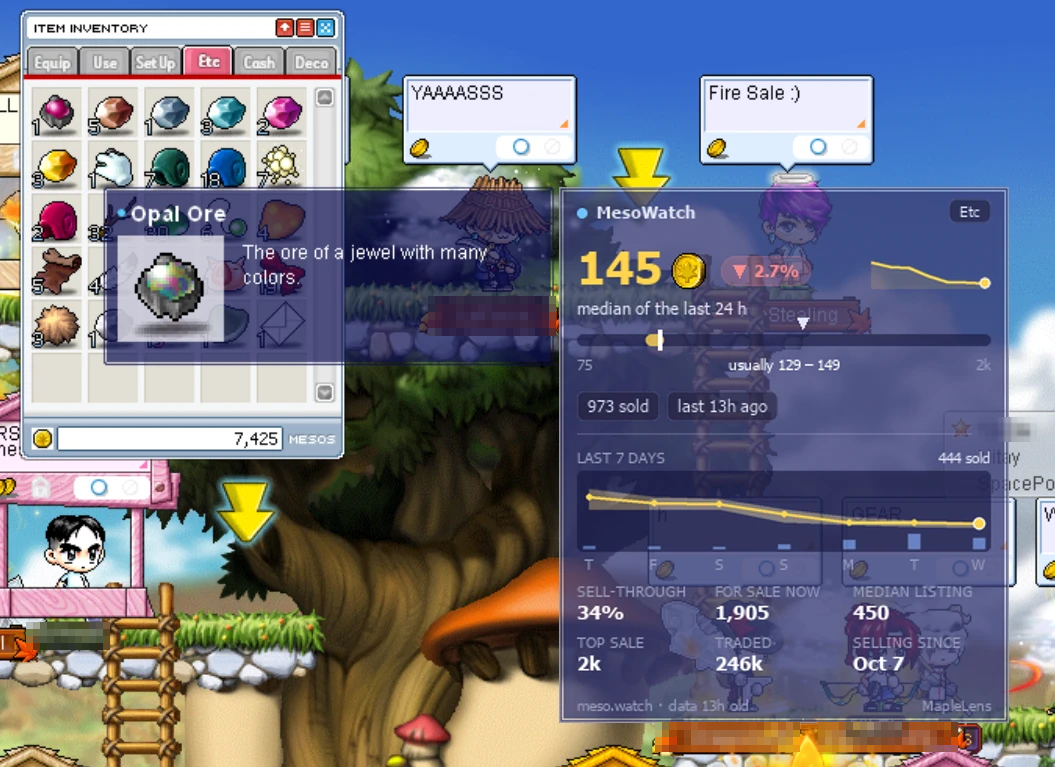
- The card appears right beside the game's tooltip, see-through like the game's own.
- Live MesoWatch prices, updated every hour.
- Rank panel beside any player's Character Info window.
- World map: hover a place to see its monsters and NPCs.
- Store watcher: every sale, visitor and chat line of your open shop.
- Tray icon, show/hide hotkey, signed one-click updates.
- One 5 MB file. No Python, no installer.
- Share the game window with your browser, like in Discord.
- Cards show in a small window that floats over the game.
- Live player ranks from classicrank.com.
- Everything runs in your browser tab; no frame is uploaded.
- Prices from MesoWatch, refreshed every 30 minutes.
- Store sales sent to Discord, Telegram or your phone.
See it read the game
This is the real engine, compiled to WebAssembly, running on a screenshot right here in your browser.
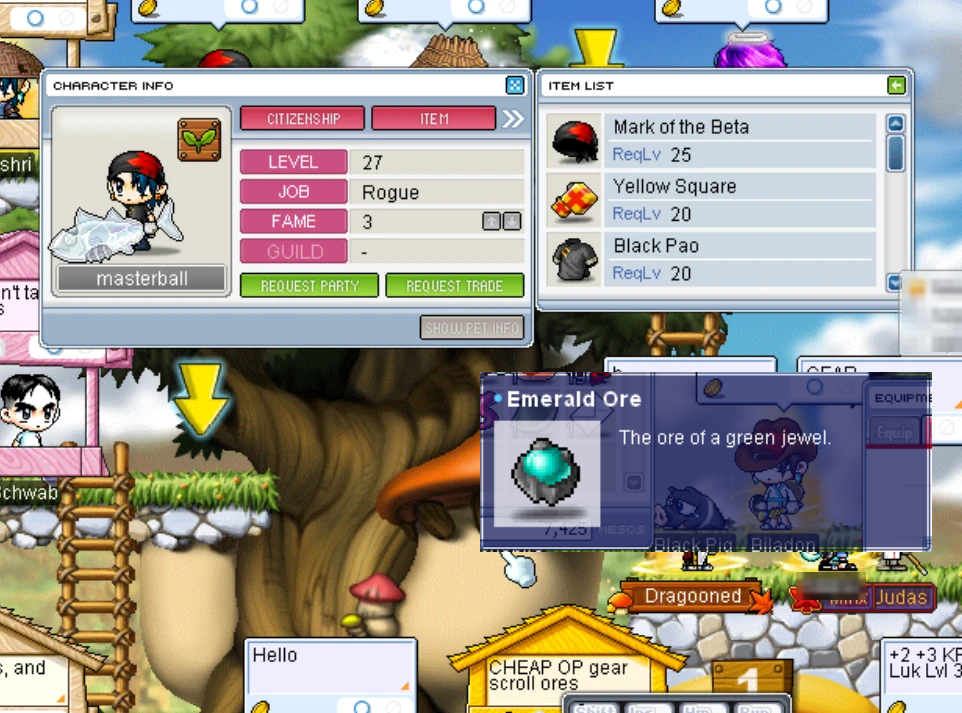
Finds the tooltip and the Character Info window, reads their text, and draws the cards.
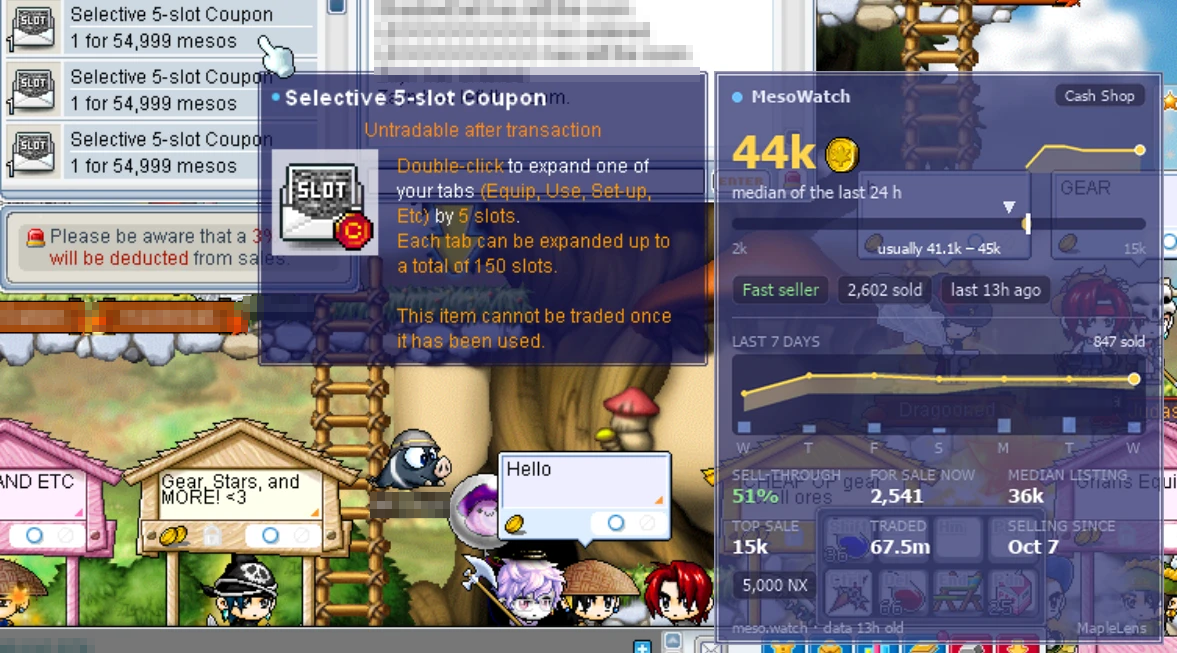
 Is this listing cheap? One glance tells you.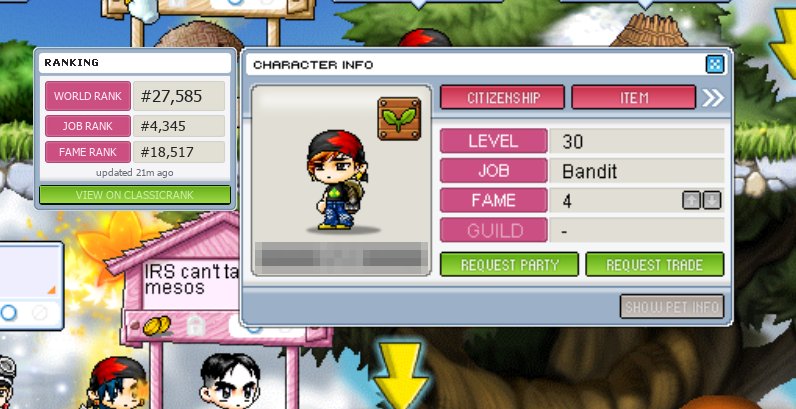
 See a player's world, job and fame rank.
Sales on your phone
Watch your store from your phone, and get a notification the moment something sells or the store opens or closes. No app store, no account.

- Scan this code with your phone's camera.
- iPhone: add the page to your home screen (it shows how) and open it from there. Android: nothing to install.
- In MapleLens Web, press Connect next to Phone under Store Permit, scan the code it shows, and tap Turn on notifications.
- Your store is in your pocket: sales with item pictures, who is inside, chat, and the mesos in the till.
Built to stay out of trouble
MapleLens only does what a screenshot tool does. Anti-cheat software looks for programs that change the game or play it for you; MapleLens does neither.

It copies what is already on your screen, the way OBS or Discord screen sharing do (the store watcher uses the same window capture as OBS, so it keeps watching behind other windows). It never reads or writes the game's memory and never injects anything.

It does not even open the game's process: it finds the game window by name in the system's window list, like the share dialog does.

No key presses, no clicks, no keyboard hooks. The overlay is click-through, never takes focus, and only shows while the game is in front.
No outside tool can be promised to be safe: NEXON's terms ban "unauthorized third-party software". MapleLens is open source so anyone can check that it does only what is described here.
Maple AdministratorWant to know what your loot is worth? Run MapleLens and hover any item. Prices come from MesoWatch, ranks from classicrank.com.